 Auto-Reader OCR
Keep the colour, lose the megabytes— and read any book or manga while you commute, hands-free, offline, all in one app.
The PDF reducer used to make you choose: a smaller file, or a file that still had your logo, your stamp and your signature in it. That choice is gone. Colour is kept by default now, and the file still shrinks — plus a look at the reader app it comes from, and the one line that puts all of it inside your AI agent.
The grayscale checkbox is gone
Shrinking a scan used to mean ticking grayscale and accepting that everything went grey — the teal headings, the blue stamp, the signature, the QR code. It saved about a quarter of the file and cost you every coloured pixel on the page.
The reducer now reads the page in horizontal strips and drops colour only where there is none worth keeping. A strip carrying a stamp keeps its stamp. A strip of black text on white paper loses chroma it was never using. The gate was audited against 3,447 real strips from live documents and missed none of them.
Two other things happen underneath. Every JPEG inside the PDF is re-encoded with optimised entropy coding at the source's own quantisation tables — that step is mathematically exact, the pixels do not change. And the reducer builds two candidate files, one rasterised and one not, then ships whichever came out smaller. That is why it never hands back something bigger than what you gave it.
The same page, three ways
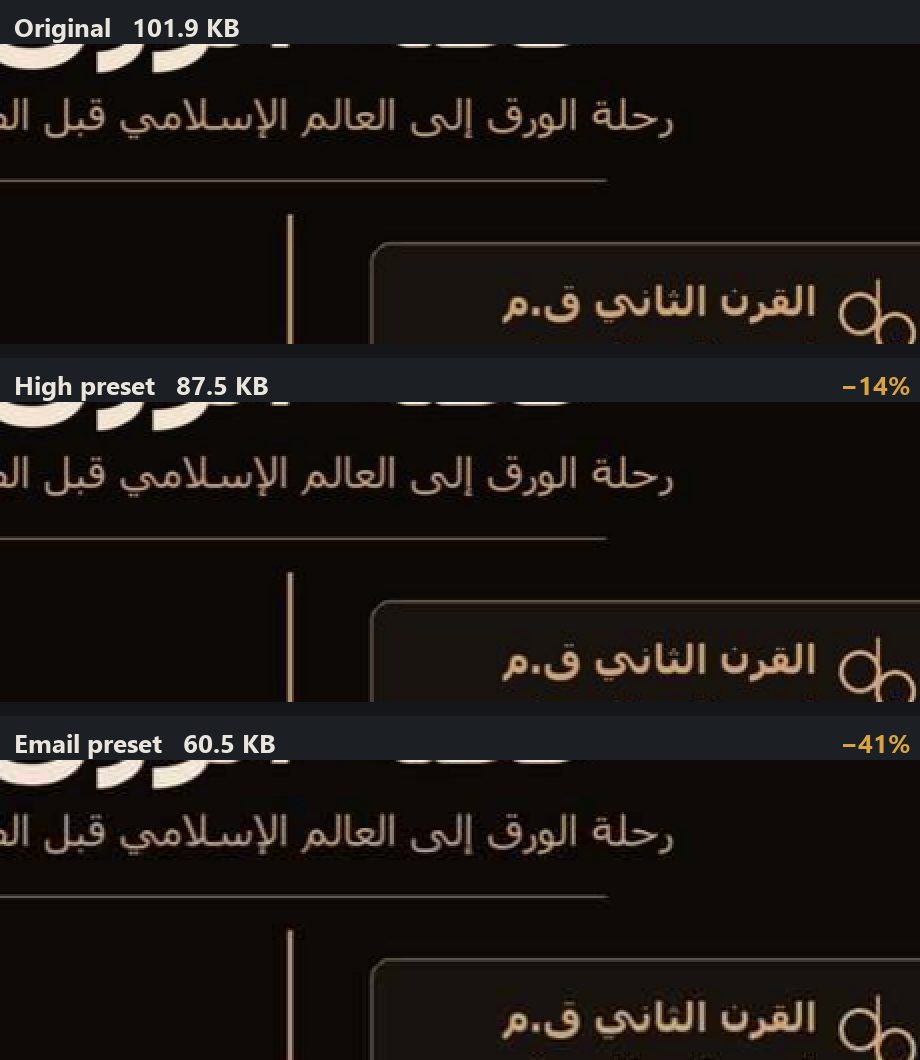
Across page classes, measured on real files rather than samples chosen to flatter:
| Page class | High | What survives | |
|---|---|---|---|
| Scanned contract | 6.01 → 4.73 MB | 3.45 MB | logo, teal headings, blue stamp, signature |
| Tinted licence scan | 1.38 → 0.35 MB | 0.22 MB | green header, QR code, photographs |
| Dark background | −15% | −41% | the page shown above |
| Manga | −7% | −26% | screentone is expensive to keep |
| Photo-heavy | −7% | −15% | photographs are already dense |
| Already optimised | −0.6% | −0.6% | nothing left to take |
Two presets. High is the one to send to a client. Email is the one that gets under an attachment limit. Genuinely dirty scans — where the paper photographed grey rather than white — can also opt into background flattening, which forces paper-only blocks to true white and is worth up to another 14%. It is a checkbox rather than the default because on clean office scans it earns nothing at all.
Drop a file on the reducer to see your own numbers. No key, no signup; the result comes back in the browser, and a large file is processed as far as it can be and you are told exactly how far, rather than refused.
A note for anyone who has read about MRC compression, the textbook approach of splitting a page into a 1-bit ink mask, a colour foreground and a blurred background. We built it and measured it across 62 pages against ground truth. It is dramatically smaller — −81% — and it damaged the text on two thirds of those pages, while simply spending fewer bits got −53% at no measurable cost. So this reducer is not MRC. It is the boring thing that beat it.
Hear and watch your stories in motion
Auto-Reader is the reader app this API grew out of. It turns any book, manga or PDF into something you can listen to and watch hands-free — on the commute, at the gym, on a walk — with lifelike on-device voices. On-device by default, works offline, no account.
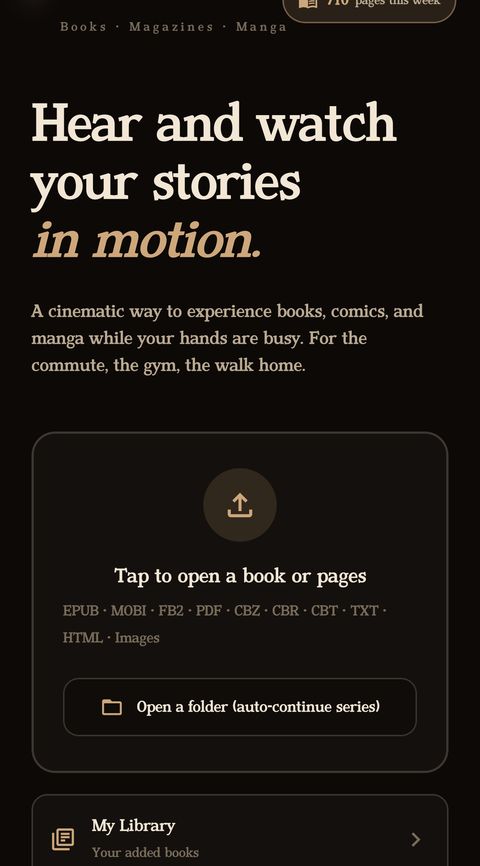
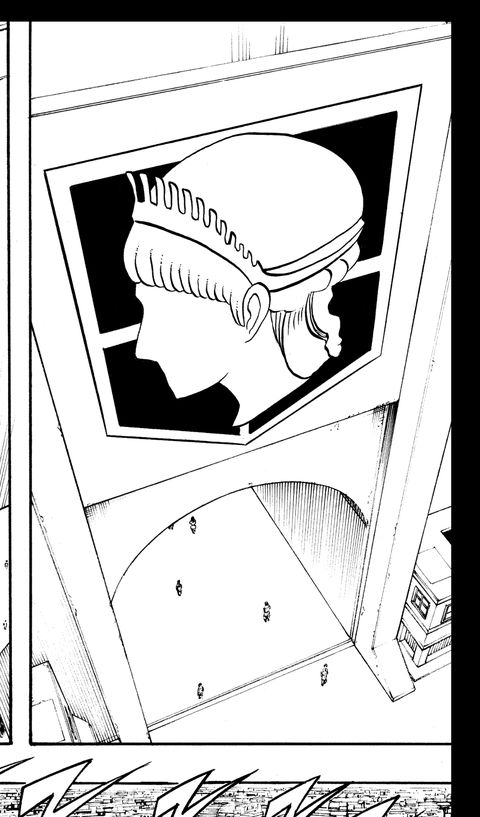
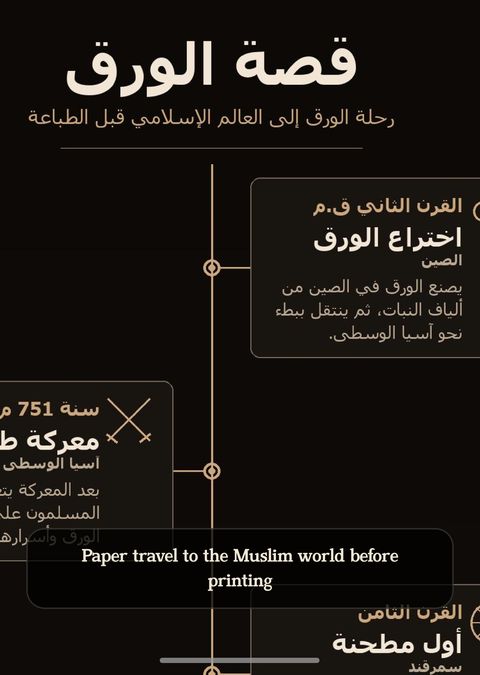
A manga page on a phone is four to eight panels competing for a screen the size of a postcard. The usual answer is to pinch and drag your way around it. Auto-Reader does that for you: it detects the panels and plays them cinematically, panel by panel, at a size you can actually read, narrating as it goes. Background playback keeps going with lock-screen and earbud controls.
OCR runs on the device, so scans, infographics and image-only PDFs become spoken, searchable, translatable text without leaving your phone. Japanese routes to a dedicated vertical-text recogniser rather than a general document model, because vertical Japanese is exactly where general models fall down. Tap any word for an offline dictionary; switch on translation to read the original with a translated line underneath.
Want to see it before installing? Open the motion reader in your browser — no install, no signup — drop a chapter in and watch it play.
More than an app: the browser tools
Everything the app does is also on the website, free to try, and most of it does not need an account:
Motion web reader
Read comics, manga and image books cinematically in your browser. Nothing to install.
translateTranslate pages instantly
Drop pages in and preview them translated, line by line. Free daily preview.
studioBook & document studio
A whole book, PDF or your lecture notes → searchable PDF, Word, EPUB or Markdown, layout preserved.
booksTranslate a whole book
Every page re-typeset in your language with the original design intact — a real PDF with selectable text.
writingWriting tools
Fix OCR errors, proofread, rephrase, change tone or summarise, in 100+ languages.
apiOCR & translation API
The same pipeline for developers and AI agents. Keyless demo, free tier — read on.
The boxes: every tool on one page, none of it needs a key
The API site is built so you can find out whether the output is good before deciding anything: every box runs without a key, and there is a free tier the moment you add an email. Current limits and plans are always on the site itself, so they are not repeated here.
OCR an image
Drop a photo or a scan, get the text back. Arabic, Persian and Urdu are the ones we tuned hardest.
/v1/documentOCR a whole PDF
A multi-page document in, a searchable PDF or plain text out.
/v1/reduceShrink a PDF
The reducer above. No OCR needed and no page limit.
/v1/bookBooks & notes studio
Long documents, asynchronously: submit, poll, download. Searchable or fully translated.
/v1/mangaManga
Panel-aware OCR with vertical Japanese handled properly, one page or a whole CBZ/CBR/PDF chapter.
/v1/translateTranslate
100+ languages, with formality, context and glossary controls that are actually honoured.
/v1/extractExtract fields
Give it a schema, get structured JSON out of an invoice, receipt, ID or ZATCA e-invoice.
/v1/rewriteWriting tools
Proofread and rewrite — including Arabic, where most tools quietly give up.
What people actually come here to do
One line makes it a tool your agent can call
There is an MCP server, so the whole pipeline becomes tools inside Claude Code, Claude Desktop, Cursor, or anything else that speaks MCP:
claude mcp add --transport http auto-reader-ocr https://api.auto-reader.com/mcpAfter that an agent can read a scan, shrink a PDF or translate a chapter without you writing an integration. If you would rather call it directly, it is an ordinary HTTP API:
curl -X POST https://api.auto-reader.com/v1/reduce \
  -H "Authorization: Bearer $KEY" \
-F "[email protected]" -F "quality=email" -o small.pdf- Keys provision themselves. An agent can sign up for its own key and start working; no dashboard visit required.
- There is an
/llms.txtwritten for models rather than for people, alongside an OpenAPI spec and a live playground. - Nothing is kept by default. Pages are processed in memory; only a hash is logged unless you explicitly opt into training storage. Built for Saudi PDPL.
Every number here was measured on real documents
Including the ones that did not flatter the feature — they are in the table too. The fastest way to know whether this is for you is to drop your own file on it.